

Cisco交换机Switch命令配置大全_Cisco认证考试必备
扫描二维码随身看资讯
使用手机 二维码应用 扫描右侧二维码,您可以
1. 在手机上细细品读~
2. 分享给您的微信好友或朋友圈~
1.在基于IOS的交换机上设置主机名/系统名:
switch(config)# hostname hostname
在基于CLI的交换机上设置主机名/系统名:
switch(enable) set system name name-string
2.在基于IOS的交换机上设置登录口令:
switch(config)# enable password level 1 password
在基于CLI的交换机上设置登录口令:
switch(enable) set password
switch(enable) set enalbepass
3.在基于IOS的交换机上设置远程访问:
switch(config)# interface vlan 1
switch(config-if)# ip address ip-address netmask
switch(config-if)# ip default-gateway ip-address
在基于CLI的交换机上设置远程访问:
switch(enable) set interface sc0 ip-address netmask broadcast-address
switch(enable) set interface sc0 vlan
switch(enable) set ip route default gateway
4.在基于IOS的交换机上启用和浏览CDP信息:
switch(config-if)# cdp enable
switch(config-if)# no cdp enable
为了查看Cisco邻接设备的CDP通告信息:
switch# show cdp interface [type modle/port]
switch# show cdp neighbors [type module/port] [detail]
在基于CLI的交换机上启用和浏览CDP信息:
switch(enable) set cdp {enable|disable} module/port
为了查看Cisco邻接设备的CDP通告信息:
switch(enable) show cdp neighbors[module/port] [vlan|duplex|capabilities|detail]


-
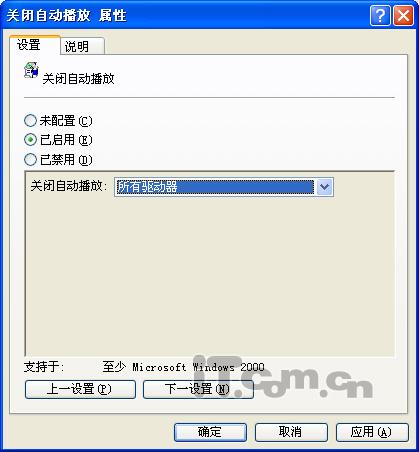
微软高危漏洞快捷方式自动执行_Oday漏洞速解
微软近日爆出的“快捷方式自动执行”高危Oday漏洞再次爆发,该漏洞
-

网络安全周如何应对网络个人信息泄露_防范网络安全风险
网络安全_个人信息_泄露_网络安全
-
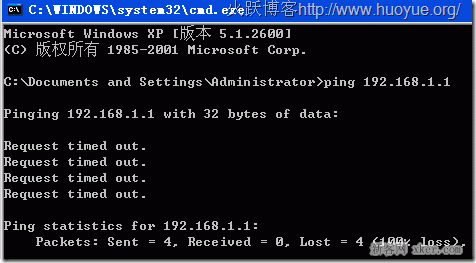
电脑输入192.168.1.1打不开怎么办_192.168.1.1网关问题解决
192.168.1.1应该让你就马上联想到网关这个概念,这应该属于职业嗅
-
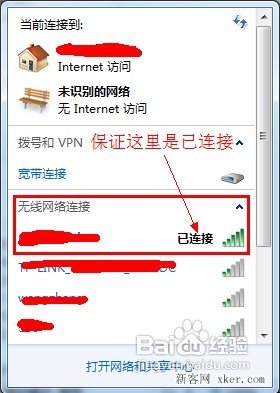
无线路由器设置密码图解_无线路由器密码设置指南
无线路由器都要进行密码的设置,出厂虽然会带一个密码但是这个密码